
Shopify Meta Pixel setup is one of the first things every store owner does, and one of the most commonly done wrong. You connected the pixel, your ads are running, and everything looks fine. But underneath the surface, your conversion data is incomplete, your campaigns are optimizing on bad signals, and you are spending real money without knowing which ads are actually driving sales.
If you have ever wondered why your Meta Ads dashboard shows one number and your Shopify orders show another, this is exactly why. At Collabor8 Digital, we work with eCommerce brands every day to fix broken tracking setups and rebuild them the right way. This guide answers the exact questions you are searching for clearly, quickly, and practically.
What Is Shopify Meta Pixel Setup and Why Does It Matter So Much?
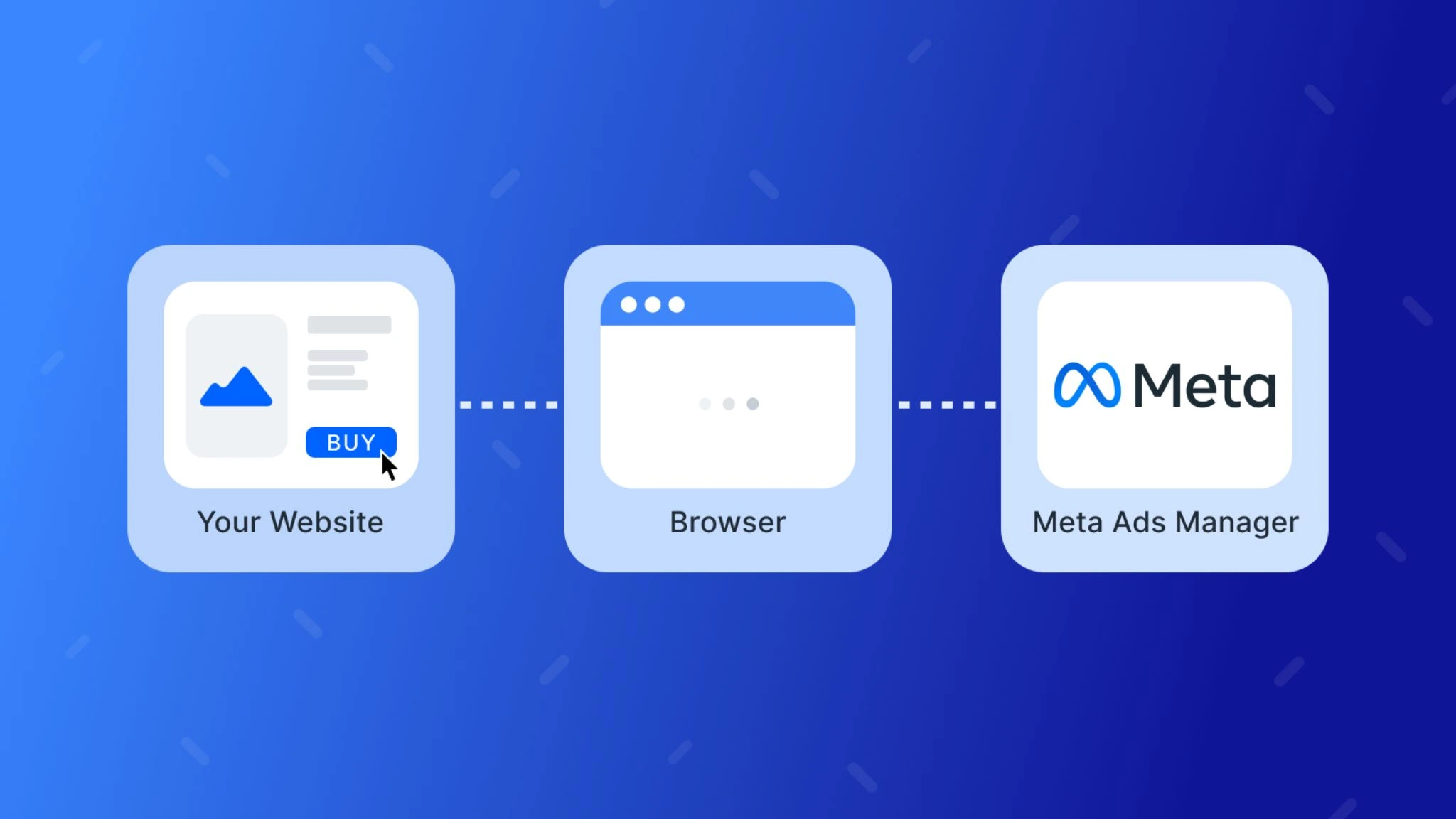
Shopify Meta Pixel setup is the process of connecting Meta’s tracking code to your Shopify store so that every visitor action page views, add-to-carts, checkouts, and purchases is recorded and sent back to your Meta Ads account.
When it is working correctly, your pixel does three critical things:
- Tracks conversions so you know exactly which ads, audiences, and creatives are generating real purchases
- Feeds the algorithm giving Meta’s machine learning the data it needs to find more buyers like your existing customers
- Builds retargeting audiences so you can re-engage visitors who viewed a product, added to cart, or started checkout but never completed the purchase
Without an accurate Shopify Meta Pixel setup, every one of these three functions is compromised. And when your pixel data is wrong, every decision you make about your ad spend is wrong along with it.

How to Set Up the Meta Pixel on Shopify the Right Way
This is the most searched question around this topic and the answer has changed significantly since Meta moved away from individual pixel codes toward the Facebook and Instagram sales channel integration.
The correct Shopify Facebook Pixel integration process in 2025:
- Go to your Shopify Admin and navigate to Sales Channels → Facebook & Instagram
- Connect your Facebook Business Manager account and verify your business
- Select or create your Meta Pixel dataset inside Events Manager
- Enable Automatic Event Matching so Shopify sends standard eCommerce events automatically
- Turn on Data Sharing and set it to Maximum to enable server-side event sending
- Verify your domain inside Meta Business Manager under Brand Safety → Domains
- Use the Meta Pixel Helper Chrome extension to confirm events are firing on every key page
- Check Events Manager in Meta to confirm receipt of ViewContent, AddToCart, InitiateCheckout, and Purchase events
Each of these steps matters. Skipping domain verification, for example, means your pixel events cannot be prioritized in Meta’s system which directly impacts how your campaigns optimize and who they reach.
What Is Shopify Conversion API Setup and Is It Really Necessary?
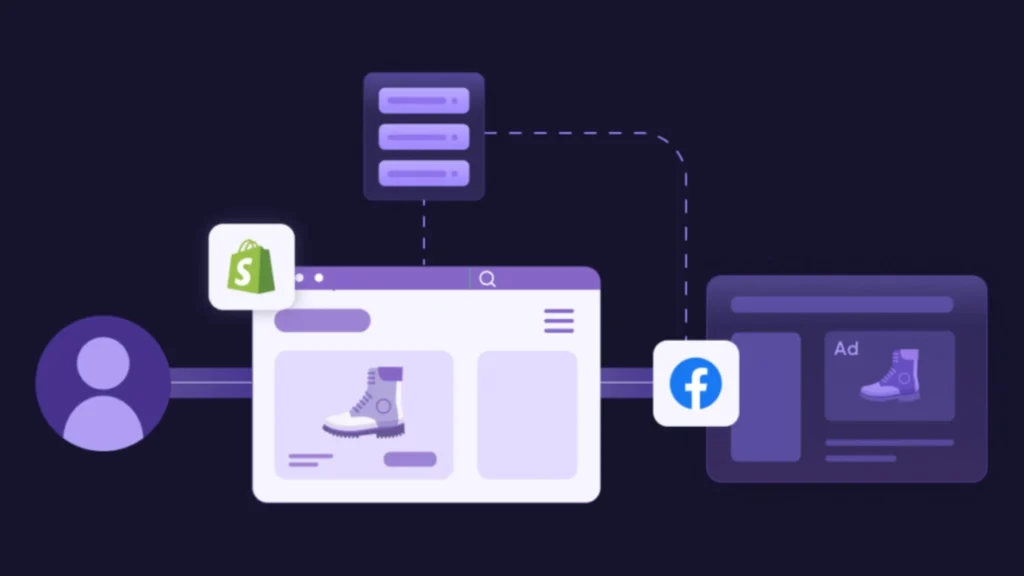
Yes, and if you are running any paid Meta Ads to your Shopify store, the Shopify Conversion API setup is not a nice-to-have. It is a critical part of getting accurate data in 2025.
Here is the problem: standard browser-based pixel tracking is blocked by iOS privacy settings, Safari’s Intelligent Tracking Prevention, and ad blockers. Depending on your audience, this means your browser pixel alone is missing anywhere from 20% to 40% of your actual conversions.
The Conversion API (CAPI) solves this by sending conversion data directly from Shopify’s server to Meta, completely bypassing the browser. This means:
- Conversions that the browser pixel missed are still captured and reported
- Your Meta campaign optimization receives more complete purchase signals
- Your cost-per-purchase reporting becomes far more accurate
- Your retargeting audiences are built on a fuller, cleaner dataset
What Shopify Conversion API setup requires:
- Data Sharing set to Maximum inside the Facebook & Instagram sales channel
- Correct event deduplication so browser and server events do not double-count the same purchase
- Testing through Meta’s Test Events tool to verify server events are arriving correctly
- Regular monitoring to ensure the integration stays connected after Shopify or Meta updates
This is where most store owners either skip the setup entirely or set it up incorrectly and where the gap between reported and actual conversions starts to grow silently over time.

Why Is Your Shopify Meta Ads Tracking Showing the Wrong Numbers?
This is one of the most frustrating experiences in eCommerce advertising, and it almost always comes down to one of these root causes:
- Common reasons Shopify Meta Ads tracking shows incorrect data:
- Duplicate pixel firing The pixel is installed both through the Facebook & Instagram channels and manually in the theme code, causing every event to fire twice
- Missing Conversion API Browser-only tracking loses iOS and ad-blocked conversions, creating a gap between Meta’s reported numbers and Shopify’s actual orders
- No domain verification Unverified domains cannot prioritize pixel events, leading to misattribution across campaigns
- Incorrect event mapping Standard events like Purchase are not mapped to the right Shopify checkout confirmation step
- UTM parameter gaps Traffic arriving without UTMs cannot be attributed to the correct campaign, ad set, or creative
Any one of these issues alone can throw your entire reporting off. When more than one is present at the same time, which is common in self-managed setups, your Shopify Meta Ads tracking becomes essentially unreliable.
Our Performance Marketing team audits and rebuilds Shopify tracking setups for store owners who are tired of making decisions based on numbers they cannot trust.
Book Your Free Shopify Tracking Audit Today
How Do You Know If Your Shopify Meta Pixel Setup Is Actually Working?
Great question and one most store owners never think to ask until their data is already weeks deep in errors.
Here is how to verify your Shopify Meta Pixel setup is working correctly:
- Install the Meta Pixel Helper Chrome extension and visit each key page of your store, product pages, cart, checkout, and order confirmation. Every page should show the correct event firing with no errors or warnings.
- Open Events Manager in Meta and check the Activity tab. You should see a steady stream of standard events coming in, including ViewContent, AddToCart, InitiateCheckout, and Purchase.
- Check the Match Quality score in Events Manager. A score of 6 or higher means your customer data is being matched accurately to Meta profiles.
- Compare your Meta-reported purchases against your Shopify orders over a 7-day window. If the numbers are significantly different, your setup has gaps.
- Use the Test Events tool in Meta Events Manager to send a test purchase through your store and confirm it arrives as both a browser event and a server event with deduplication working correctly.
If any of these checks reveal problems, the longer you wait to fix them, the more campaign data you lose that can never be recovered.
For store owners who want their entire tracking stack pixel, Conversion API, UTM structure, and attribution reporting built and verified by professionals, our AI Automation service integrates your full data infrastructure so every marketing channel talks to every other one correctly.

Get Your Shopify Meta Pixel Setup by an Expert
One free call is all it takes to discover exactly where your Shopify Meta Pixel Setup is losing you conversions. Our experts audit your full tracking stack, fix your pixel errors, set up your Conversion API correctly, and verify every funnel event from product view to purchase so every dollar your store spends on ads is working as hard as it should.
Should You Set Up Shopify Meta Pixel Yourself or Hire an Expert?
For basic pixel connection through the Facebook & Instagram sales channel, yes a store owner comfortable with Shopify admin settings can handle the initial setup. But the full picture Shopify Conversion API setup, deduplication, domain verification, event mapping, UTM architecture, and cross-channel attribution is a different level of technical work entirely.
The cost of getting it wrong is not just a few inaccurate reports. It is:
- Ad campaigns optimizing toward the wrong objective
- Retargeting audiences built on incomplete customer data
- Budget wasted on ad sets that look profitable but are not
- Business decisions made on numbers that do not reflect reality
For most Shopify store owners, the investment in getting this set up correctly the first time pays for itself within the first month of improved campaign performance.
If your Shopify tracking setup has never been professionally audited, there is a very good chance it has silent errors you do not know about yet. Our Website Development team works alongside our tracking experts to ensure your Shopify store’s technical foundation supports accurate data collection at every single touchpoint.
Get Your Shopify Meta Pixel Setup Done Right
You should not have to guess whether your pixel is working. You should not have to wonder why your Meta numbers do not match your Shopify orders. And you should not be running paid ads on a tracking foundation that has never been verified by someone who knows exactly what to look for.
At Collabor8 Digital, we are a full-service digital marketing agency based in Charlotte, NC, serving Shopify store owners and businesses of every size across the United States. We audit your complete Shopify Meta Pixel setup, fix every gap, configure your Conversion API correctly, and hand you tracking data you can actually build a business on.
And when your tracking is clean, and your data is accurate, our Klaviyo Email Marketing service helps you turn that data into automated revenue, reaching the right customers at exactly the right moment with messaging that converts.

Get Your GoHighLevel Meta Pixel Setup Done Right Once and For All
You only get accurate data when your Meta Pixel is configured correctly from the start. Our experts set it up the right way, verify every event, and make sure nothing is missing. Start with a free audit.
Also useful: If you are running outbound campaigns alongside your paid Shopify ads, read our guide on GoHighLevel Tracking Expert Tips it covers the exact same tracking principles applied to GHL funnels and pipelines.
- Call Us: +1 207 280 8288
- Visit Us: collabor8digital.io
- Location: 5427 N Sharon Amity Rd, Suite 1A, Charlotte, NC 28215
Book Your Free Shopify Tracking Audit Today
Shopify Meta Pixel setup is not a one-time checkbox it is an ongoing technical foundation that every paid advertising decision your store makes is built on. Without accurate Shopify Facebook Pixel integration, proper Shopify Conversion API setup, and reliable Shopify Meta Ads tracking, your campaigns are flying blind no matter how good your creatives or targeting are.
Getting it right does not just fix your reporting. It fixes your results.
That is what we do at Collabor8 Digital. And we are ready to do it for your store.